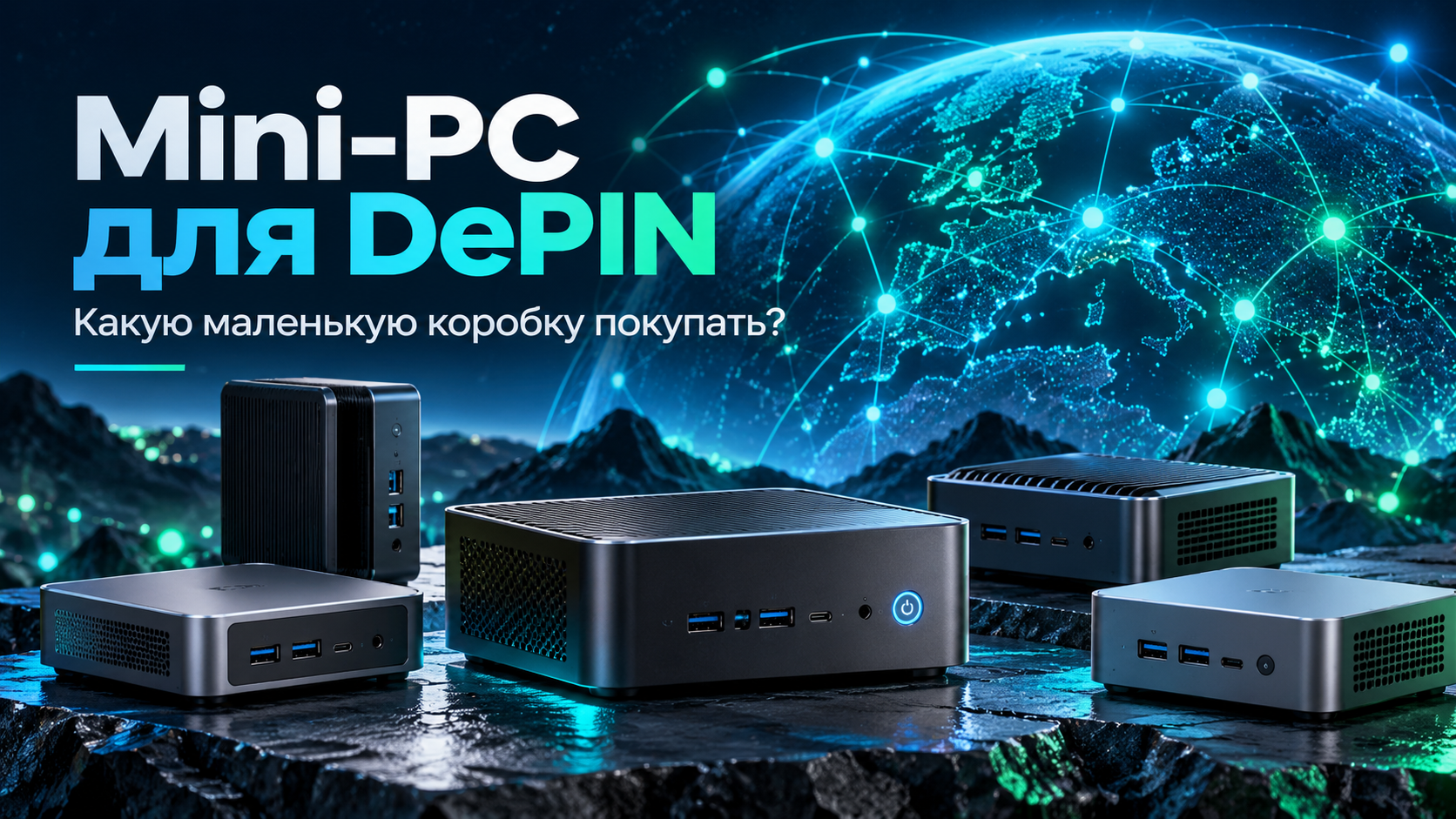
Small computers are everywhere now. Manufacturers promise Ryzen AI, dozens of cores, massive memory, artificial intelligence, and impressive TOPS numbers. A box the size of a book almost looks like a small supercomputer.
And a regular person naturally thinks: if this thing is so powerful, why not have it not only work for me but also make money?
This is where advertising ends and DePIN begins.
The main mistake: “powerful” doesn’t automatically mean “in demand”
A computer can be very fast. It can edit video perfectly, run local AI, handle photos, game, and perform dozens of home tasks.
But DePIN is not a contest for the best specs. It’s a market. Someone must want to rent exactly the computing power you have on your desk.
So the question should not be asked like this:
“How powerful is this mini-PC?”
But like this:
“Does anyone on the network actually need this kind of power?”
Ryzen is good. But there’s an important nuance
Nowadays, many compact computers are built around AMD Ryzen and integrated Radeon graphics. For home use, this is often an excellent choice: a small case, good speed, moderate power consumption, and a reasonable price.
For example, popular models like the MINISFORUM UM870 Slim with Ryzen 7 currently start at about $300 depending on configuration.
Great for regular users — 👍.
For DePIN — you need to look more carefully.
You can use the Ryzen processor itself. For instance, CPU power can be contributed to distributed computing networks. But if you overpaid specifically for a powerful AMD GPU or a flashy AI label, that doesn’t necessarily mean that part of the computer will be in high demand for DePIN.
The reason is simple: most AI software and GPU computing today heavily target NVIDIA.
For example, Akash officially supports NVIDIA for GPU providers. Golem’s GPU workload also operates via the NVIDIA runtime.
So Ryzen itself isn’t a problem. The problem is buying an expensive GPU component that you planned to lease out, only to find the market expects different hardware.
The simplest table
| What’s inside | What this means |
|---|---|
| Ryzen + Radeon | 👍 Great for personal use 🟡 DePIN — CPU usable, but GPU capabilities limited |
| Ryzen + NVIDIA RTX | 👍 Great for personal use 🟢 DePIN — much more interesting |
| Intel + NVIDIA RTX | 👍 Great for personal use 🟢 DePIN — also a solid option |
| Expensive AI mini-PC without NVIDIA | 👍 Local AI — can be very good 🟡 Buying just for DePIN — must be verified first |
That’s the whole idea.
You don’t need to become an engineer. You just need to avoid confusing a good home computer with a good product for the computing market.
What if it has NVIDIA inside?
Then the picture gets more interesting.
There are already small computers on the market with a full NVIDIA RTX alongside Ryzen or Intel. For example, the MINISFORUM AtomMan G1 Pro has a Ryzen 9 and RTX 5060 inside.
There’s also a more affordable Chinese option
For instance, the Chinese Topton F10 is sold with different configurations featuring NVIDIA RTX 3050 or RTX 4060. As of writing, models in this class start from about $670, with prices rising based on CPU, memory, and SSD.
This is not a recommendation for any particular brand. It’s just an example that compact NVIDIA-equipped machines already exist not only in the expensive premium segment.
Branded compact systems with RTX still cost noticeably more. For example, a fully assembled G1 Pro can be priced around $1,600+.
This doesn’t mean you should rush to buy that model.
It just shows the direction:
a small computer with NVIDIA can already be not only a home computer but also a viable candidate for the distributed computing market.
The main advantage of a mini-PC — you can start with just one
What’s most appealing here isn’t even the size.
The most appealing thing is scalability.
You don’t need to buy a huge server and invest thousands of dollars right away.
You can start with just one box.
Connect it to the network. See how it performs. Understand the expenses. Observe real tasks and real payouts.
Then a second mini-PC appears next to it.
Then a third.
After a while, you have five identical machines on the shelf.
1 mini-PC → 2 → 3 → 5 → 10
Each new box adds computing power. The first purchase doesn’t go to waste — you’re just gradually growing your system.
That’s much easier to understand for regular users than the phrase “build a server cluster.”
Today one box on your desk. Tomorrow a small rack.
And no need to think about complex tech right away
How to connect everything, which system to install, how much power to allocate, how to configure Akash or Golem — that’s another question.
There are guides and technical support for that.
The first question is much simpler:
“Am I buying the right hardware?”
Because the most expensive mistake happens before any setup — at the point of purchase.
The person sees:
“Ryzen AI”
“100 TOPS”
“supercomputer”
“local artificial intelligence”
and decides they've found the perfect machine for DePIN.
But then it turns out it’s great for their own AI work, yet a completely different configuration would have been much more interesting for the computing power market.
So our advice is simple
If the mini-PC is just for you — pick whichever you like.
If you want it to work in DePIN too — test it before buying.
Not based on advertising.
Not based on TOPS numbers.
Not based on the AI label on the box.
But based on what real resources this computer can offer the market.
Mini-PC DePIN Business — $99
Want to buy a mini-PC but don’t know if it’s suitable for DePIN?
Provide the model, processor, graphics card, memory, price of the computer, and electricity cost.
We’ll show the results in simple terms:
🟢 Suitable
🟡 Can be used but with limitations
🔴 👎 Doesn’t make sense to buy just for DePIN
And we’ll advise where it’s best to deploy such a machine: CPU tasks, GPU tasks, or just keep it running for yourself.
Business check and setup price — $99.
One small check costs far less than one wrong purchase.
Prices in this article are given as a reference at the time of writing and may change. The specific model and its configuration should be checked separately before buying.
References: Akash currently lists NVIDIA as the supported GPU type for providers. Golem allows regular x86-64 computers to work as CPU providers, and uses NVIDIA runtime for GPU tasks.