Why a Home Server Processes Other People's Video Streams
A home server with an NVIDIA video card can do more than just store files and run personal applications. Under the right conditions, its GPU can perform video transcoding for external services. One example of such infrastructure is the Livepeer network.
This is not a promise of passive income. Participation requires compatible hardware, a stable connection, software setup, and real demand for video processing.
What Is Video Transcoding
A single live broadcast is watched on different devices: phones, laptops, and TVs. Viewers have varying internet speeds. Therefore, video platforms prepare several versions of the same stream—with different resolution and bitrate.
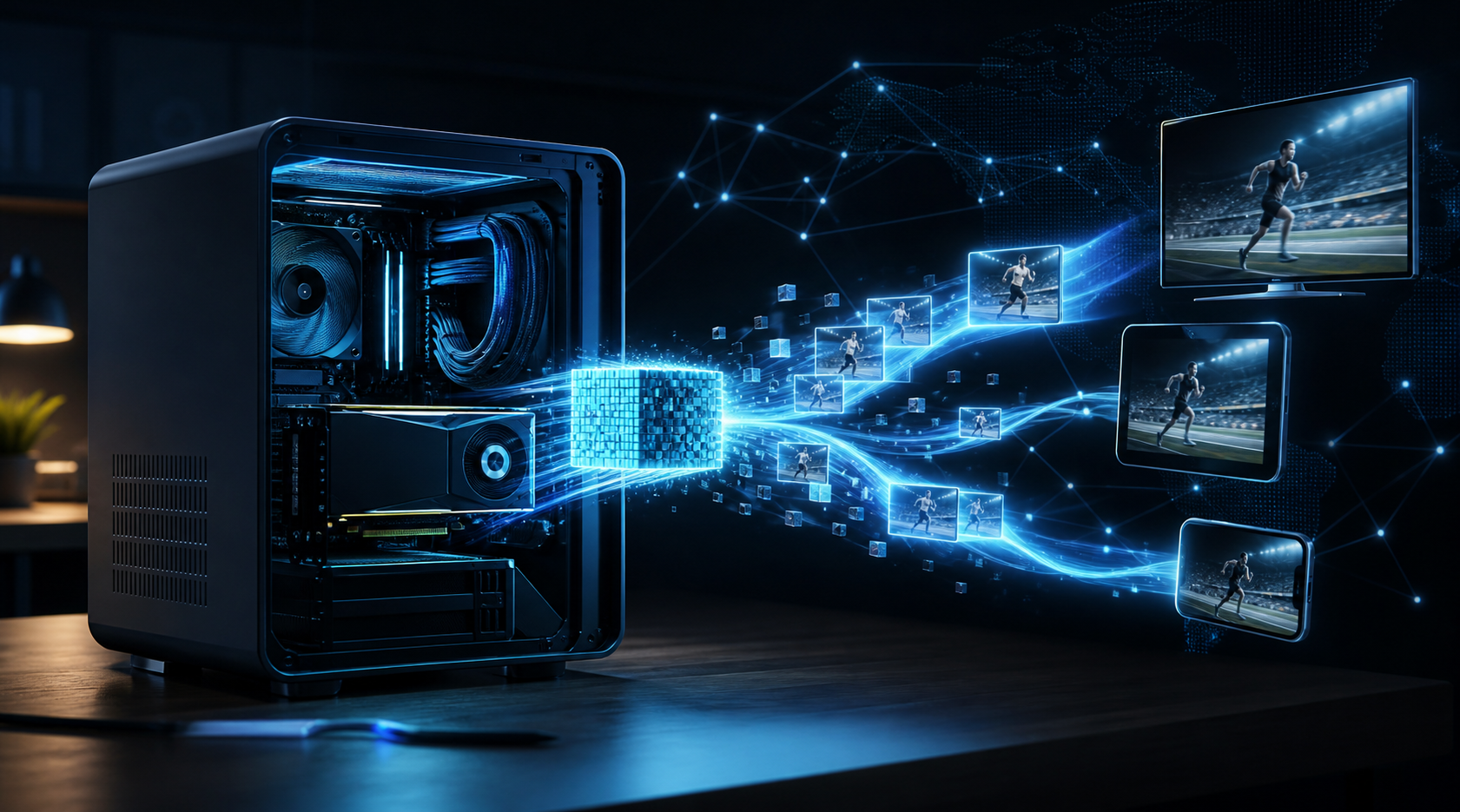
Transcoding is the process of converting the original video into such versions. Compatible NVIDIA graphics cards can accelerate this process with the help of hardware video encoders. However, the capabilities of a specific card depend on the GPU generation, supported codecs, and driver limitations.
What the Task Looks Like for the Server
- The application sends a segment of the video stream to the processing network.
- A network participant receives the task if they have the appropriate configuration and available work.
- The GPU processes the segment into the required formats.
- The finished result is returned to the application, and payment for the work depends on the network rules.
Unlike the abstract idea of "renting out a video card," here the end result is clear: processed video for real viewers.
The Role Livepeer Plays
Livepeer is a video processing infrastructure where independent operators can provide computing resources. One of the technical participants in the process is the orchestrator: a node that organizes task execution and interacts with the network.
The orchestrator is not just a powered-on computer. It needs to be deployed, configured, maintained in the network, and comply with current protocol requirements. Depending on the participant’s role, additional economic and technical conditions may apply.
What to Check Before Installation
- GPU: compatibility of the NVIDIA model and hardware encoding with the network’s current requirements.
- Internet: connection stability, upload speed, and latency.
- Power supply: cost of 24/7 operation and risk of downtime.
- Demand: availability of paid jobs; mere connection does not guarantee load.
- Economics: actual payouts after deducting electricity, maintenance, and possible network fees.
Can an Existing Home Server Be Used?
Sometimes yes. If the machine is already running constantly and the compatible video card is idle, exploring transcoding might be more reasonable than blindly buying new equipment. But compatibility and potential earnings need to be checked separately: having an NVIDIA GPU does not automatically grant jobs or guaranteed profit.
It is especially important to consider that a server simultaneously running home applications may not reliably handle external load. Work tasks require spare resources and predictable availability.
Where Should a GPU Owner Start?
First, study the current Livepeer documentation and operator requirements. Then list your existing hardware, assess the internet and power supply, and only after that make a decision about deploying a node.
At DePIN World we explore various ways to practically use your own equipment in decentralized infrastructure. If you’re confident in choosing server components, use the GPU server configuration calculator. It helps with hardware selection but does not replace compatibility checks with specific networks.
Main Takeaway
Live video transcoding is a specific useful task for a suitable GPU server. Livepeer shows how computational power from independent participants can match the needs of video applications. But before counting on income, you must confirm compatibility, participation conditions, actual demand, and expenses.